




Cookies help us deliver our services. By using our services, you agree to our use of cookies.
- Register
- Log in
-
Shopping cart
(0)
You have no items in your shopping cart.
Search
FIRST Components Academy | PCAP Touch for Waterproof and Glove-Friendly Applications
30 July 2026
How PCAP Touch Technology Overcomes Waterproof and Glove Operation Challenges
Waterproof and Glove Touch Challenges in Outdoor Applications
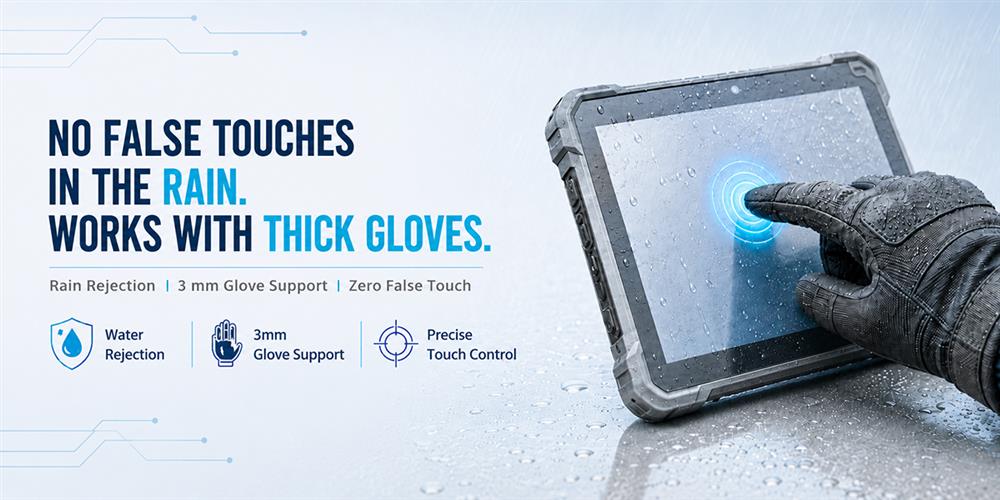
In outdoor and industrial environments, the biggest challenge is often not display performance, but unreliable touch operation. Rain can cause false touches, while thick protective gloves can make touch input difficult to detect. Conventional PCAP (Projected Capacitive) touch technology struggles to deliver both reliable water rejection and thick-glove operation simultaneously, making a trade-off between the two unavoidable.
Why Conventional PCAP Touch Requires a Trade-Off
Traditional PCAP touch systems must balance glove sensitivity against water rejection. Improving one often comes at the expense of the other.
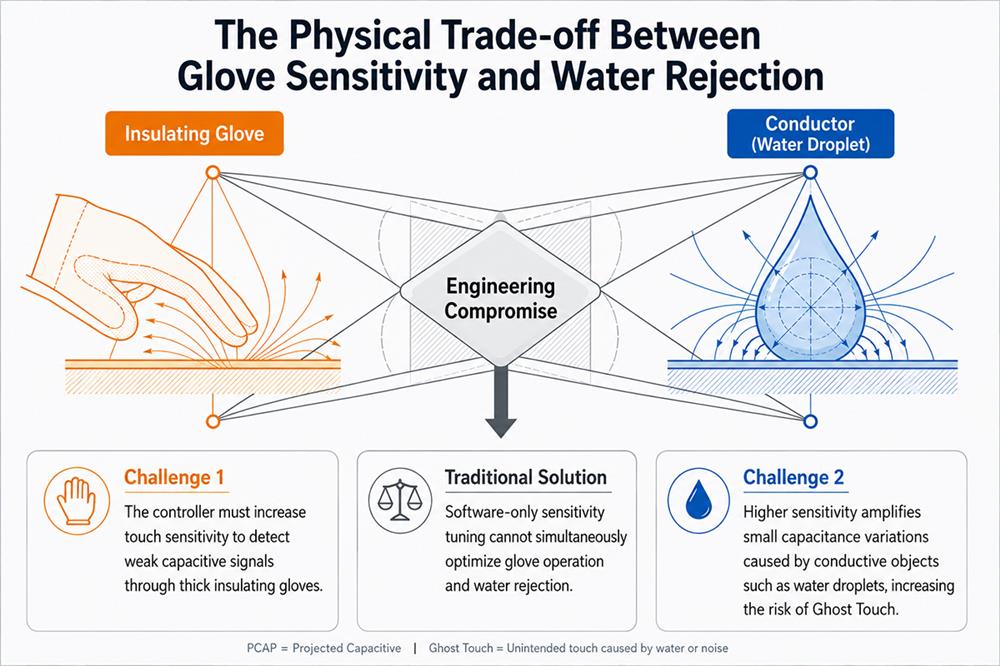
1. Thick Gloves Reduce Touch Signals: Thick gloves made of leather, rubber, or other insulating materials significantly attenuate the touch signal. To detect these weak signals through the Cover Lens and glove, the touch controller must operate with higher sensitivity.
2. Water Causes False Touches: Higher sensitivity also increases susceptibility to water interference. Rain or water droplets alter the capacitance distribution on the sensing electrodes, and the controller may interpret these changes as valid touch inputs, resulting in ghost touches or unintended touches.
How PCAP Touch Solves Waterproof and Glove Operation Challenges
To deliver reliable waterproof performance while maintaining glove operation, this solution combines dedicated hardware with optimized firmware algorithms. Water-induced noise is suppressed at the signal source while preserving the sensitivity required for thick-glove operation.
Instead of simply lowering touch sensitivity to reduce false touches, this solution integrates hardware and firmware to achieve both reliable water rejection and responsive glove operation.
1. Hardware-Level Water Rejection Circuit: Water-induced noise is filtered before signals reach the touch controller, allowing the controller to process cleaner and more stable touch signals.
2. Enhanced Touch Signal Processing: A high-performance ADC combined with Multi-Level Tuning improves signal discrimination, enabling the system to distinguish valid touch signals from electrical noise more accurately..
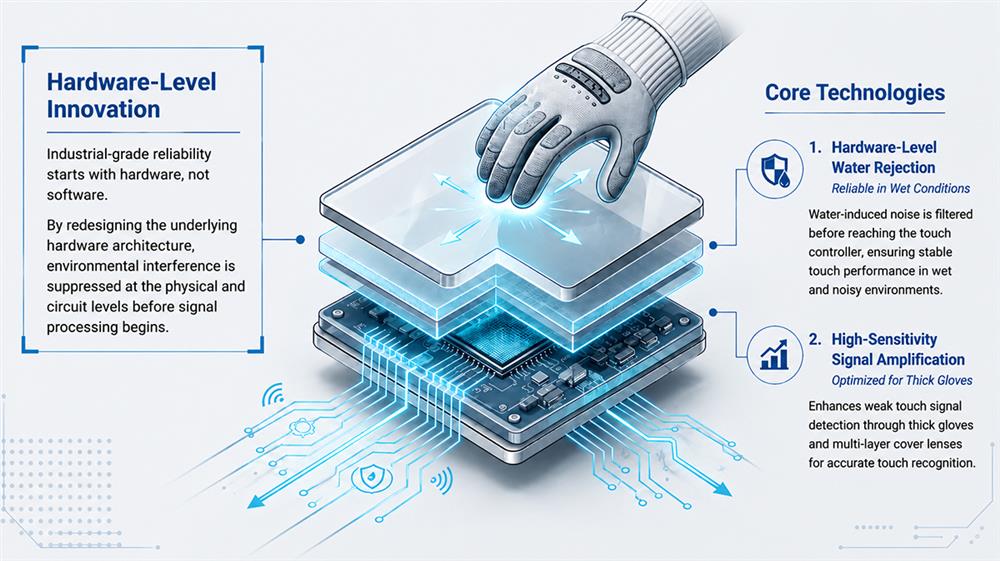
3. Application-Specific Firmware Parameter Tuning: Firmware parameters are optimized for specific applications to maintain high touch sensitivity while delivering stable touch performance. This minimizes cursor jitter and false touches, helping overcome the long-standing challenge of balancing high touch sensitivity with false-touch suppression in industrial applications.
Typical Applications
PCAP touch technology with waterproof and glove touch capability is ideal for industrial equipment that operates outdoors, requires protective gloves, or must deliver reliable touch performance in harsh environments. By minimizing false touches and maintaining stable operation, it improves both usability and system reliability.
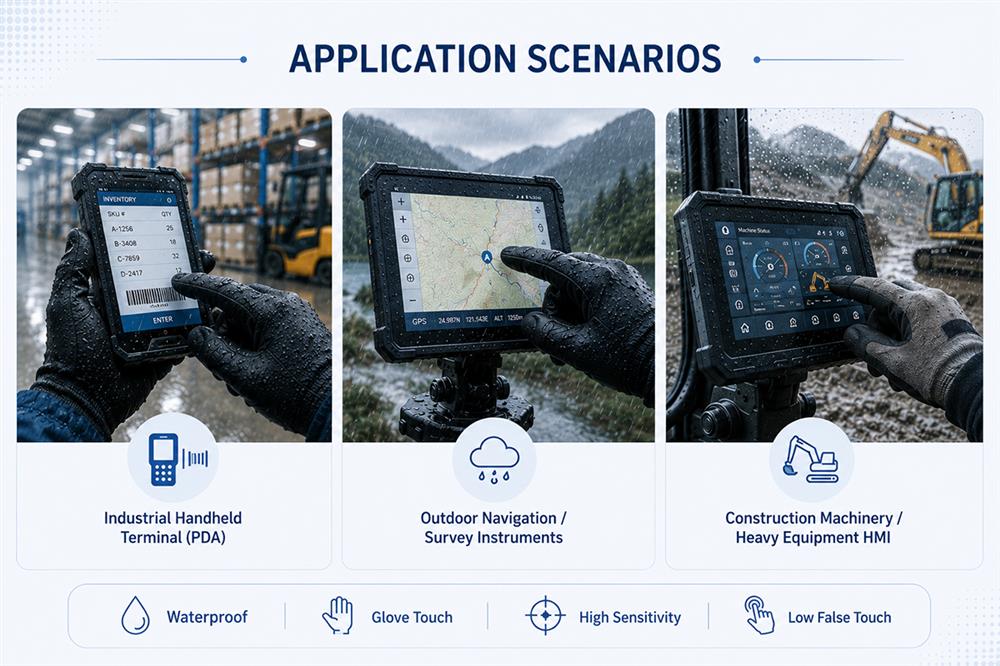
1. Industrial Handheld Devices: Ideal for warehouse logistics, manufacturing facilities, and outdoor job sites, allowing operators wearing thick protective gloves to perform barcode scanning, data entry, and equipment control reliably.
2. Outdoor Navigation and Surveying Equipment: Designed for GIS surveying, GPS navigation, and field data collection in rainy, humid, or wet environments, reducing false touches caused by water and ensuring uninterrupted operation
3. Rugged Tablets for Rescue and Defense: Suitable for low-temperature, rainy, and demanding outdoor environments where operators wearing heavy protective gloves still require accurate and reliable touch interaction.
Frequently Asked Questions (FAQ)
1. Why does a PCAP touchscreen generate ghost touches when exposed to water?
PCAP (Projected Capacitive) touch technology determines touch position by detecting changes in capacitance. Water droplets or a thin layer of moisture alter the capacitance distribution around the sensing electrodes, making it difficult for the controller to distinguish between water and an actual finger touch. This may result in ghost touches, false touches, or cursor jitter.
2. Why doesn't a PCAP touchscreen respond when users wear thick gloves?
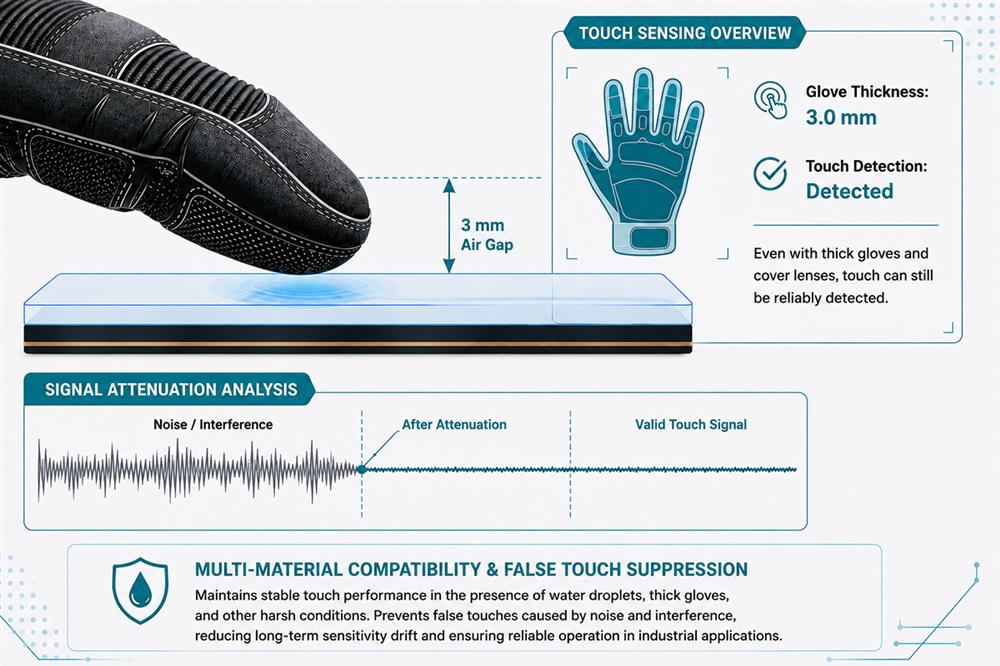
Thick work gloves or winter gloves increase the distance between the finger and the touch sensor while reducing capacitive coupling. As a result, the touch signal reaching the controller becomes weaker, which may lead to reduced touch sensitivity or no touch response.
3. Why not simply increase touch sensitivity for glove operation?
Increasing touch sensitivity can improve glove operation, but it also makes the system more susceptible to water, moisture, and electrical noise. This significantly increases the risk of false touches and ghost touches. Reliable glove operation therefore requires more than higher sensitivity—it also depends on hardware-based water rejection and optimized signal processing.
4. What glove thickness and materials does this solution support?
This solution supports glove thicknesses of up to 3 mm, making it suitable for winter gloves and heavy-duty industrial protective gloves. Actual performance may vary depending on Cover Lens thickness, system design, and controller configuration.
Because different glove materials have different dielectric properties, application-specific firmware tuning (FW tuning) may be required to achieve optimal touch performance.
5. How does WINSTAR address both water interference and thick-glove operation?
WINSTAR combines a hardware-level water rejection circuit, enhanced touch signal processing, and Multi-Level Sensitivity Tuning to suppress water-induced interference while maintaining reliable touch detection through thick gloves.